Real Life System - Prototype
A downloadable game
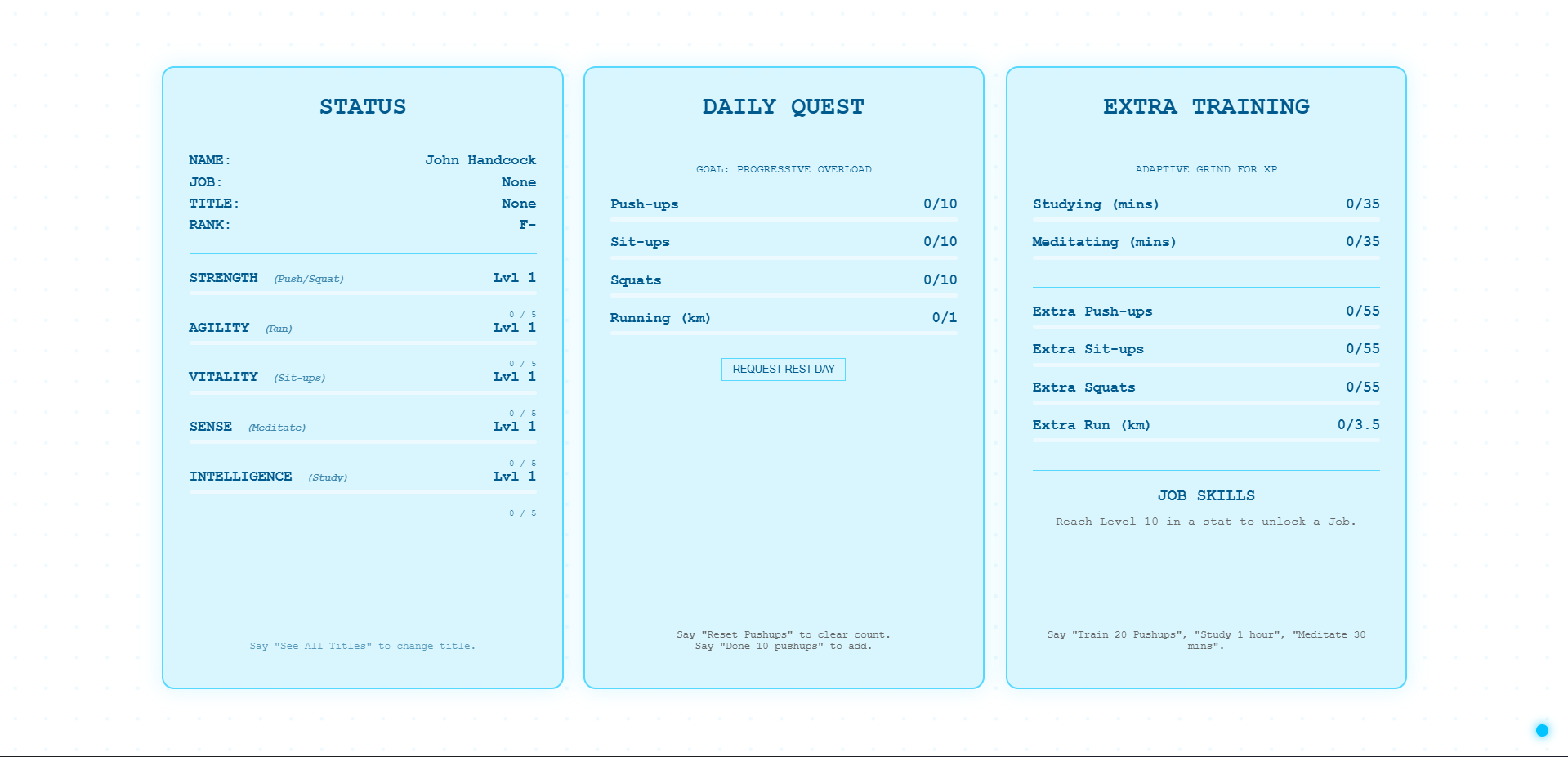
This is a prototype I have been working on for myself and I am just seeing if others find this neat or useful and if so then I will continue updating it, anyway I plan to make it free and if you do enjoy it tell me in the comments, anything you want added or changed and any bugs you find, oh and before I forget here are the voice commands to make the screens work:
- Screen Commands -
- "Status" — Opens your Character Profile (Stats, Rank, Job).
- "Daily Quest" — Opens the Daily Quest tracker.
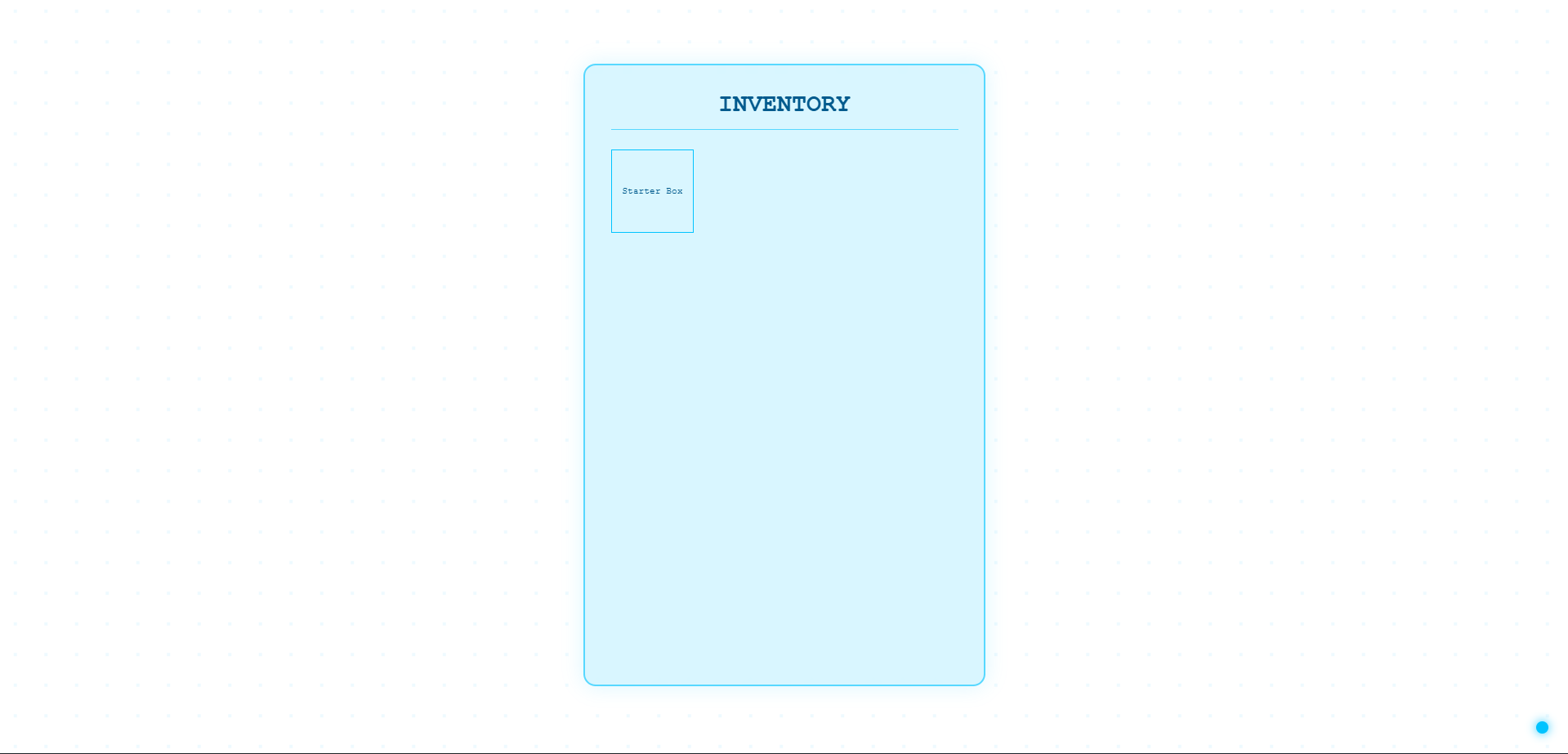
- "Inventory" — Opens your Item Box.
- "Training" — Opens the Extra Training menu.
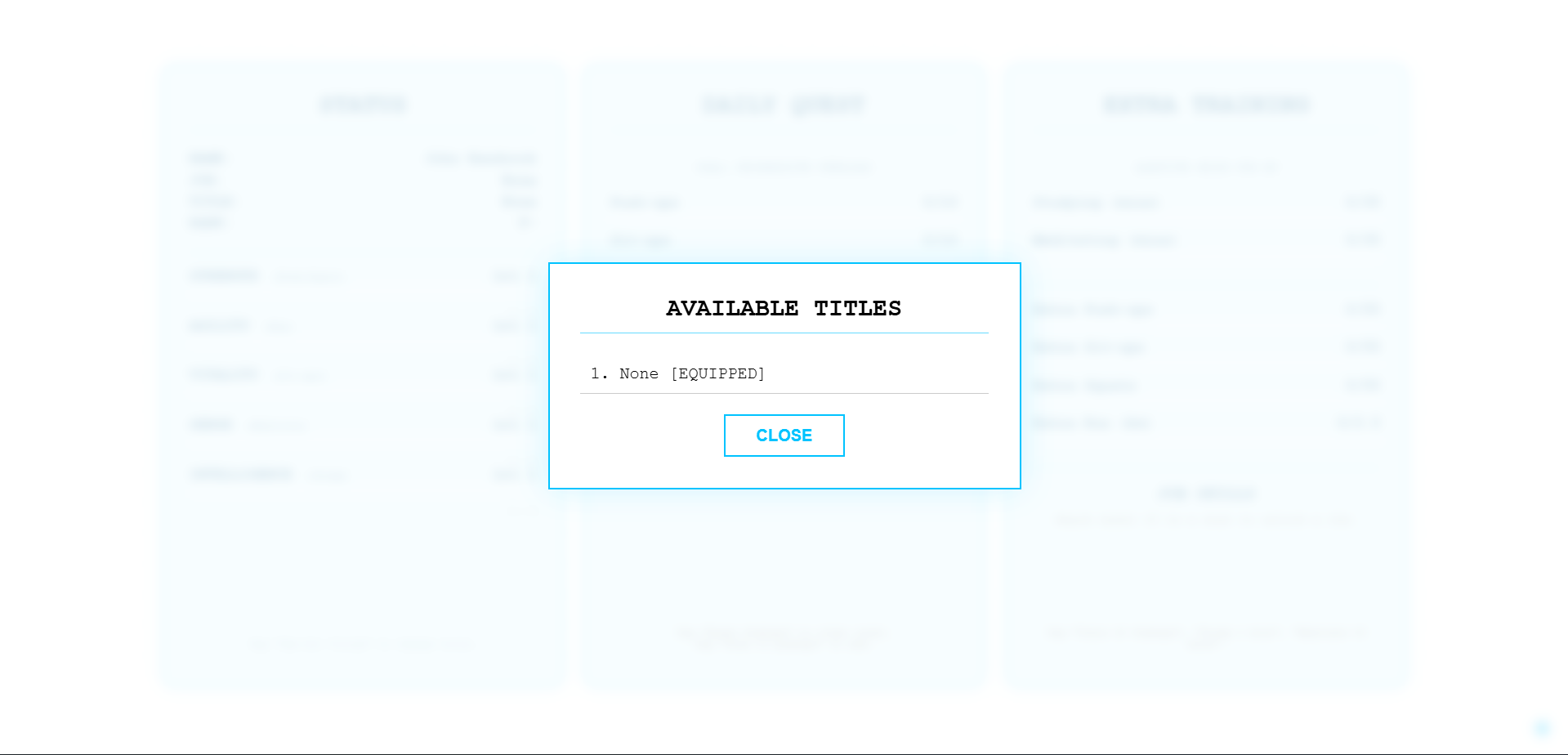
- "Titles" — Opens the list of unlocked Titles.
- "Close" or "Dismiss" — Closes all open windows.
- Daily Training -
- "Done 10 Push-ups"
- "Done 20 Sit-ups"
- "Ran 1 kilometer"
- "Done 15 Squats"
- Extra Training -
- "Train 50 Pushups"
- "Train 2 kilometers"
- "Study 1 hour" (Increases Intelligence)
- "Meditate 30 minutes" (Increases Sense)
- "Rest Day" — Requests a Rest Day (Suspends penalties, disables quest tracking).
- "Reset [Stat]" — Example: "Reset Pushups". Clears the count for that specific exercise (Requires confirmation).
⚠️ IMPORTANT NOTES
Browser: Works best on Chrome or Edge (Desktop).
Data: All progress is saved automatically to your device's local storage.
Privacy: No voice data is recorded or sent to the cloud. It is processed locally on your browser.
- Things I want to fix/add -
- More jobs.
- More titles.
- Leaderboard maybe? (maybe not)
- UI polish.
- Voice heard confirmation sound effect.
- Daily Blessed Box for doing the daily quest. (gives random xp?)
- Make work outs studying and running etc. fill up the daily quest first then extra training after automatically.
- Streamline the voice commands.
- Fix the mic issue. (repeated asking for permission)
Download
Install instructions
1. Download and Extract (Unzip) the folder.
2. Keep the sound file and the HTML file in the same folder.
3. Double-click index.html to start.

Comments
Log in with itch.io to leave a comment.